
What would you do
with a clear head?
Tasks, notes, lists and a calendar in one app. It saves on your device first, so nothing ever spins. Your AI can add to it too.
Free to start. 14-day trial of every paid plan.
Why
Why I made this
I used TickTick, Todoist, Things and Notion. Each one spun on bad wifi, or charged extra for the calendar. I wanted one app for tasks, notes and a calendar that works on a plane. Nobody made it, so I did.
Quick to add
Catch the thought before it's gone.
The add box opens at once, even with no signal.
Type it
"Dentist Friday 3pm" becomes a task on Friday at three.
Say two things at once
"Milk, and call the school tomorrow at nine" becomes two tasks, each with its own day and time.
Tell your AI
Ask Claude, ChatGPT or Gemini. It lands on your real list.
What it does
The normal stuff, done right.
With the parts other apps charge extra for thrown in.
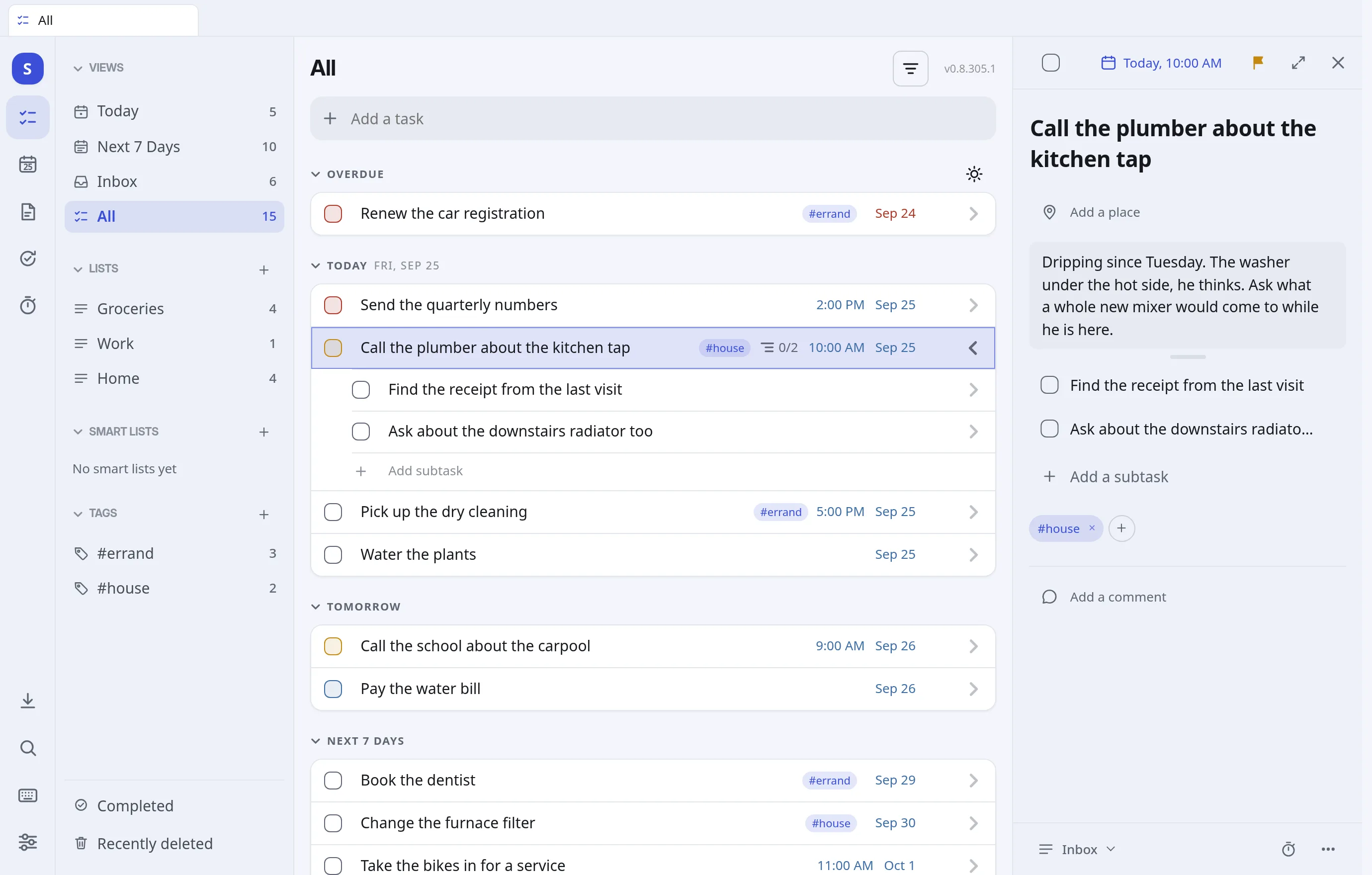
Tasks
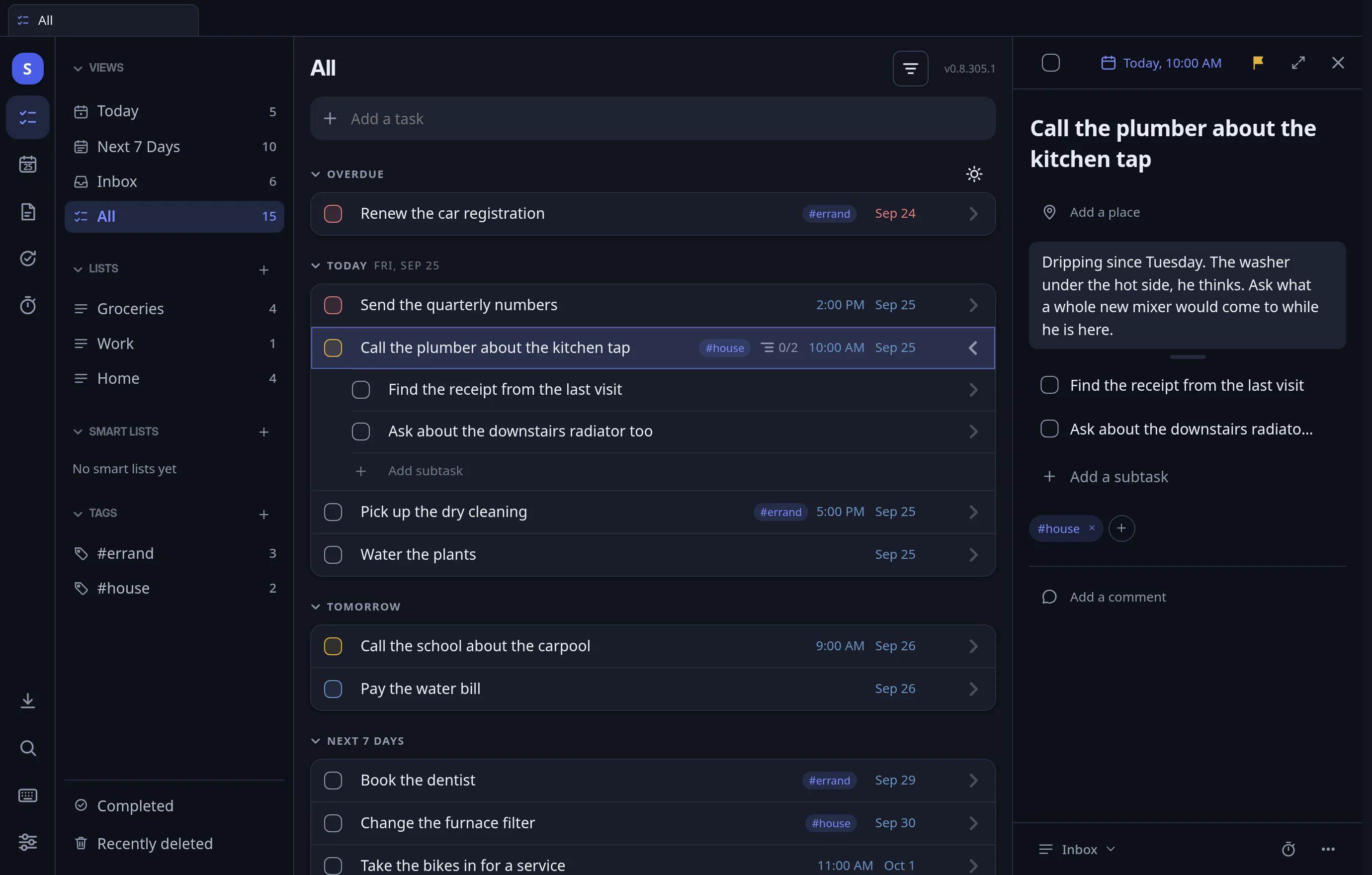
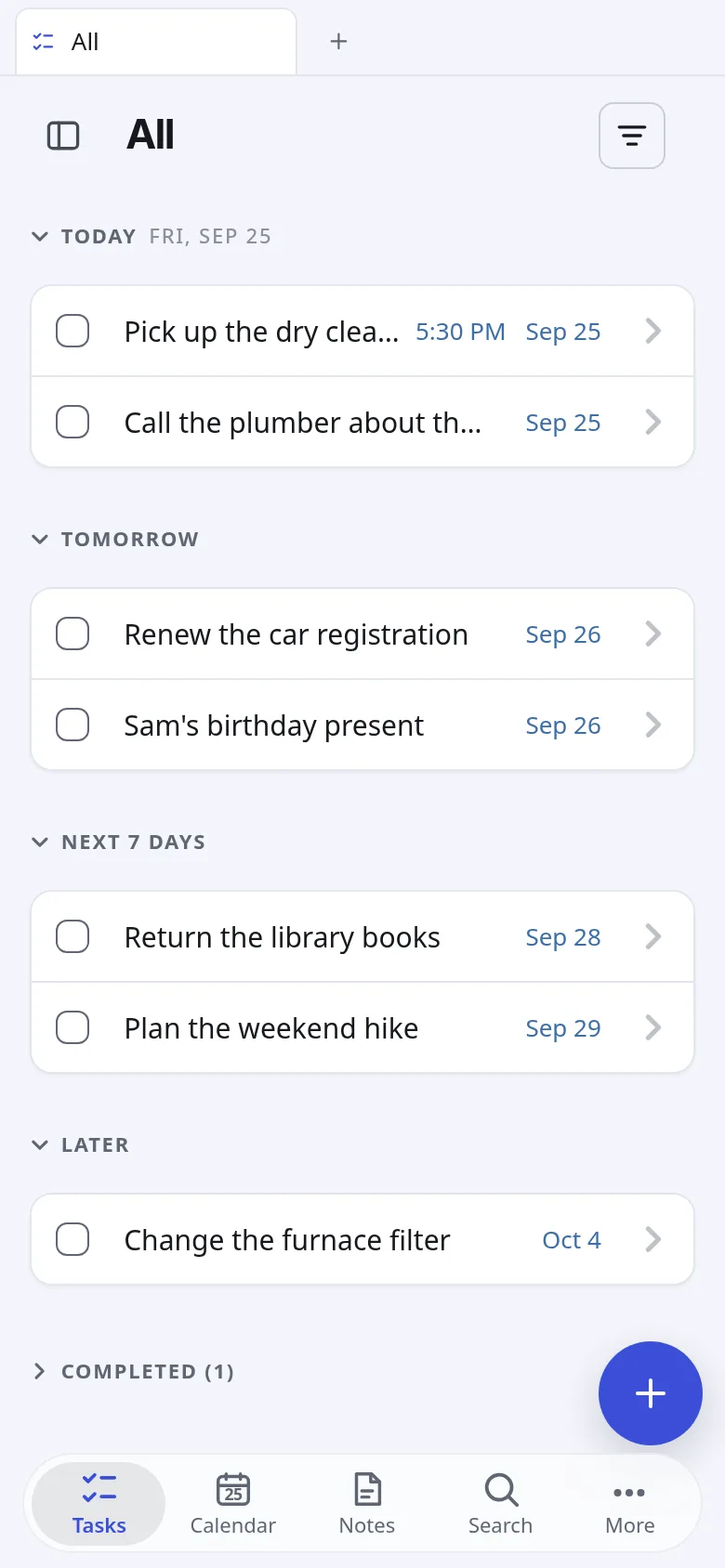
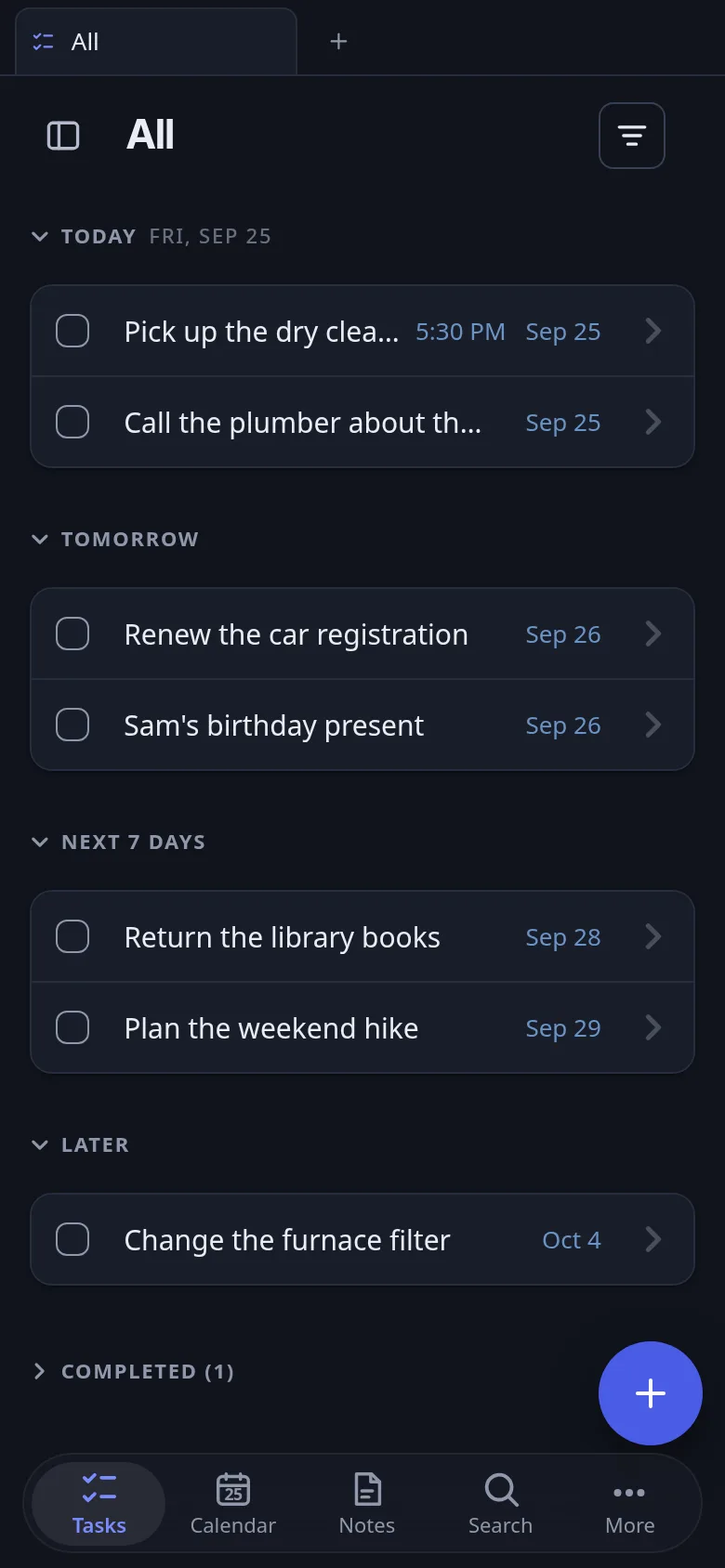
Dates, times, priorities, tags, subtasks and repeats. Grouped by overdue, today, tomorrow and later.
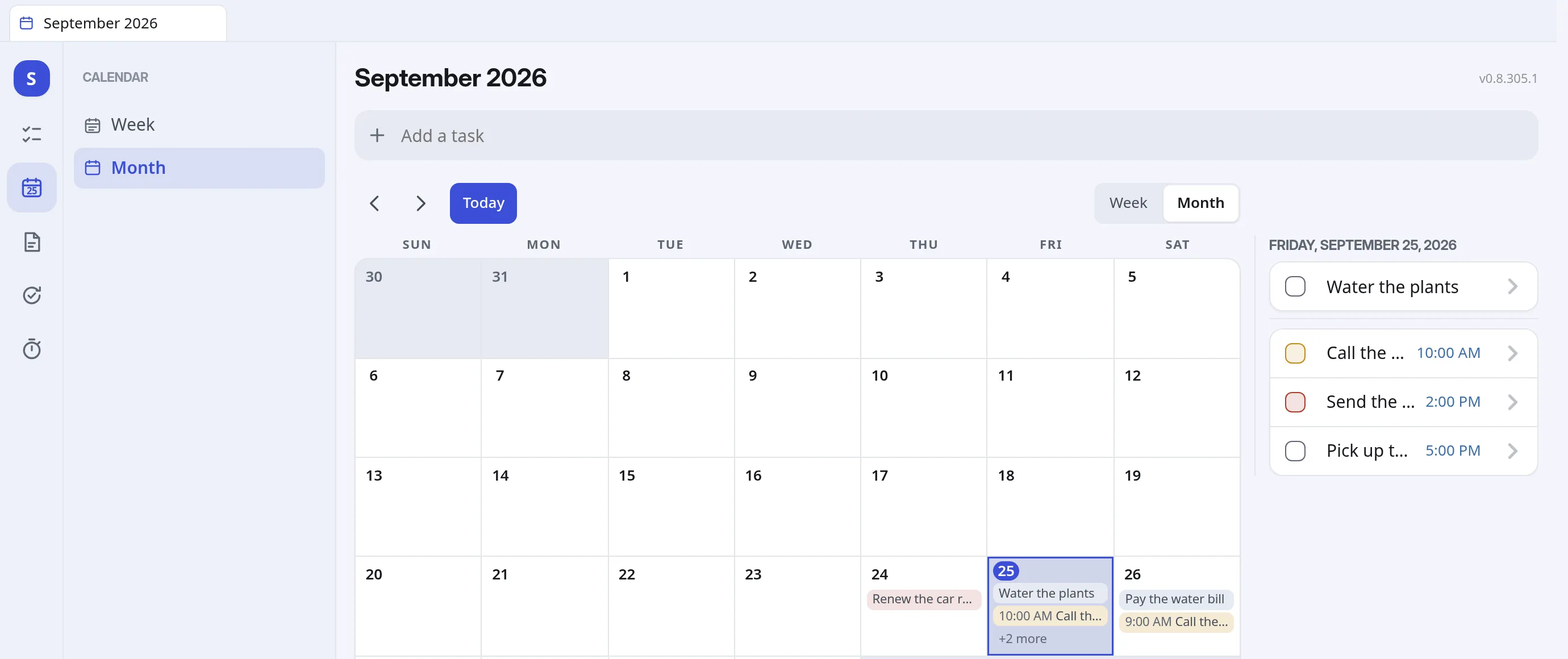
Calendar
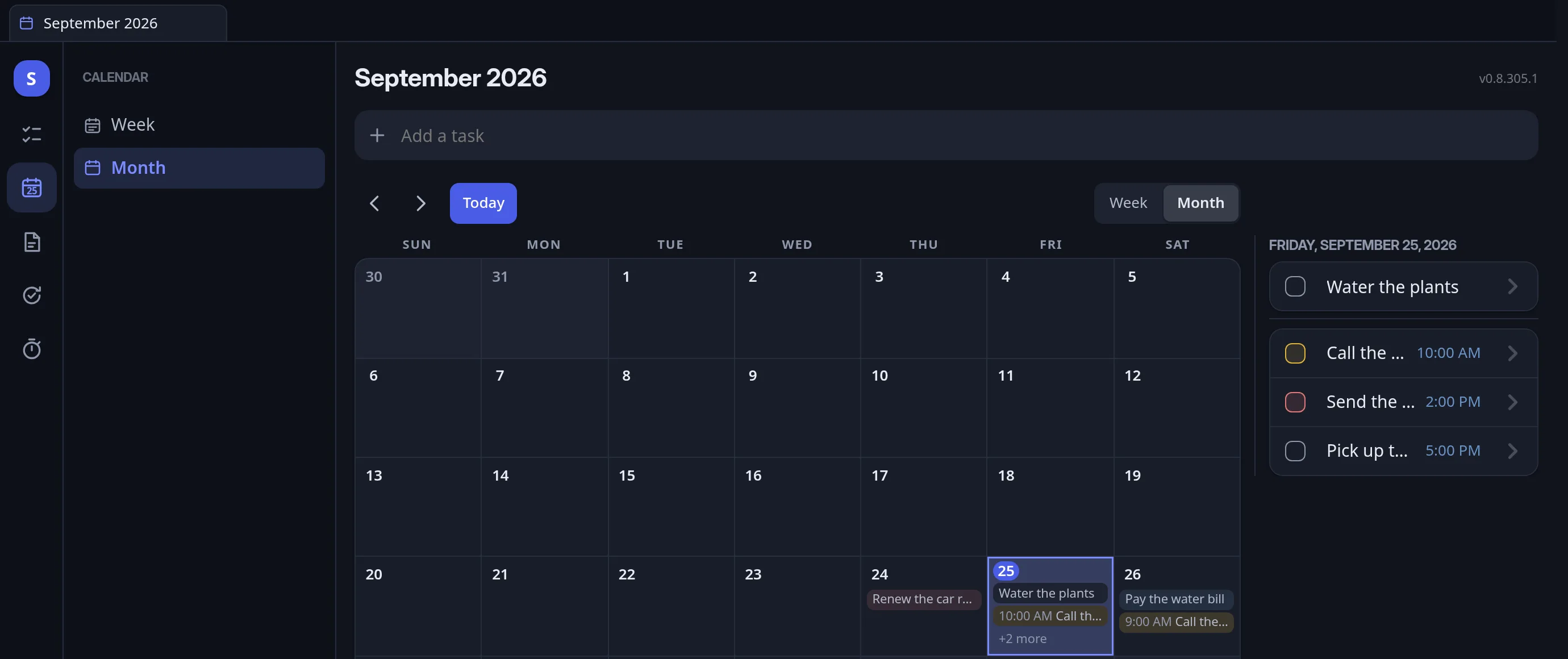
Month and week. Drag a task to another day. See your Google or iCloud calendar beside it.
Notes
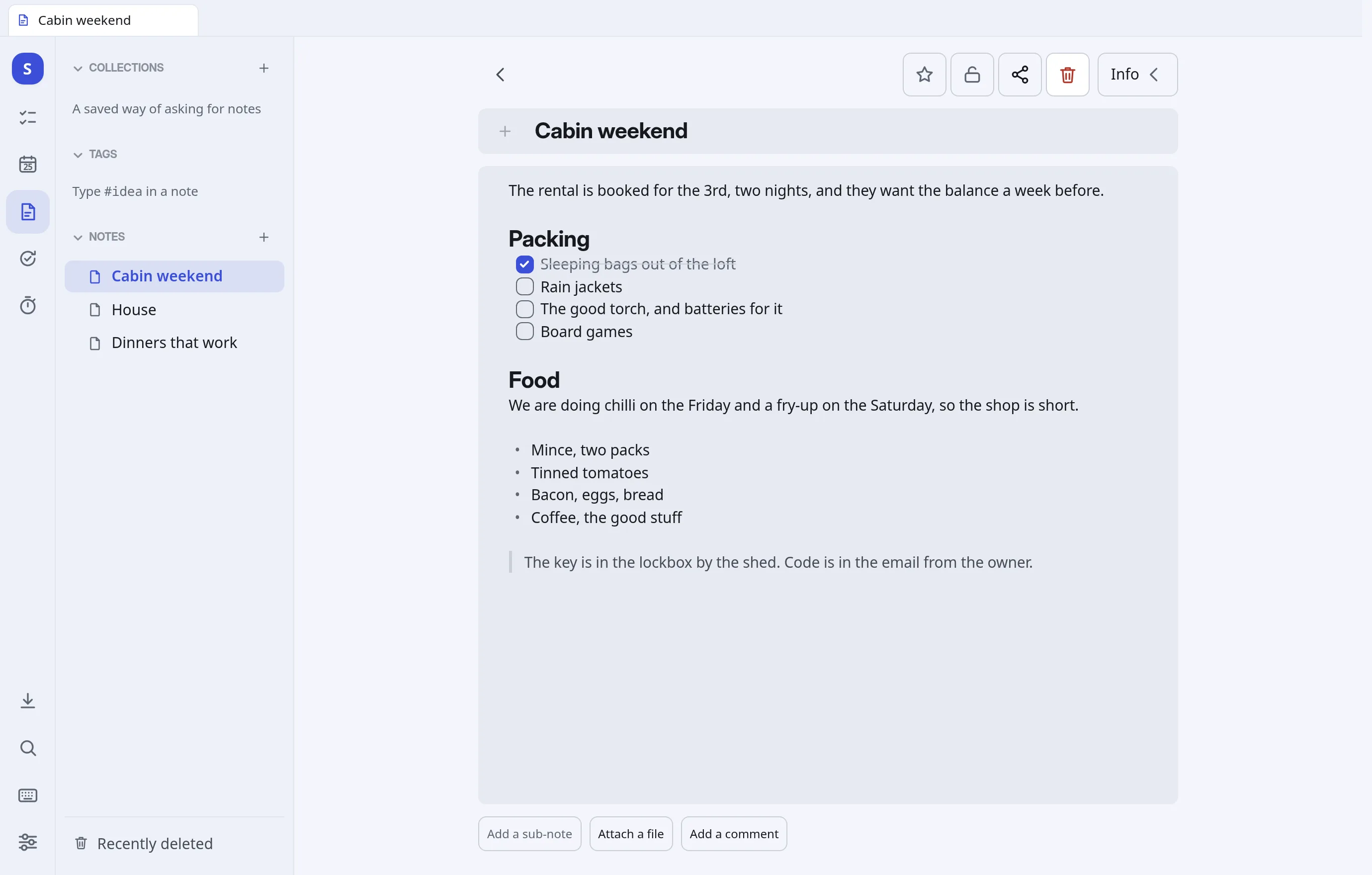
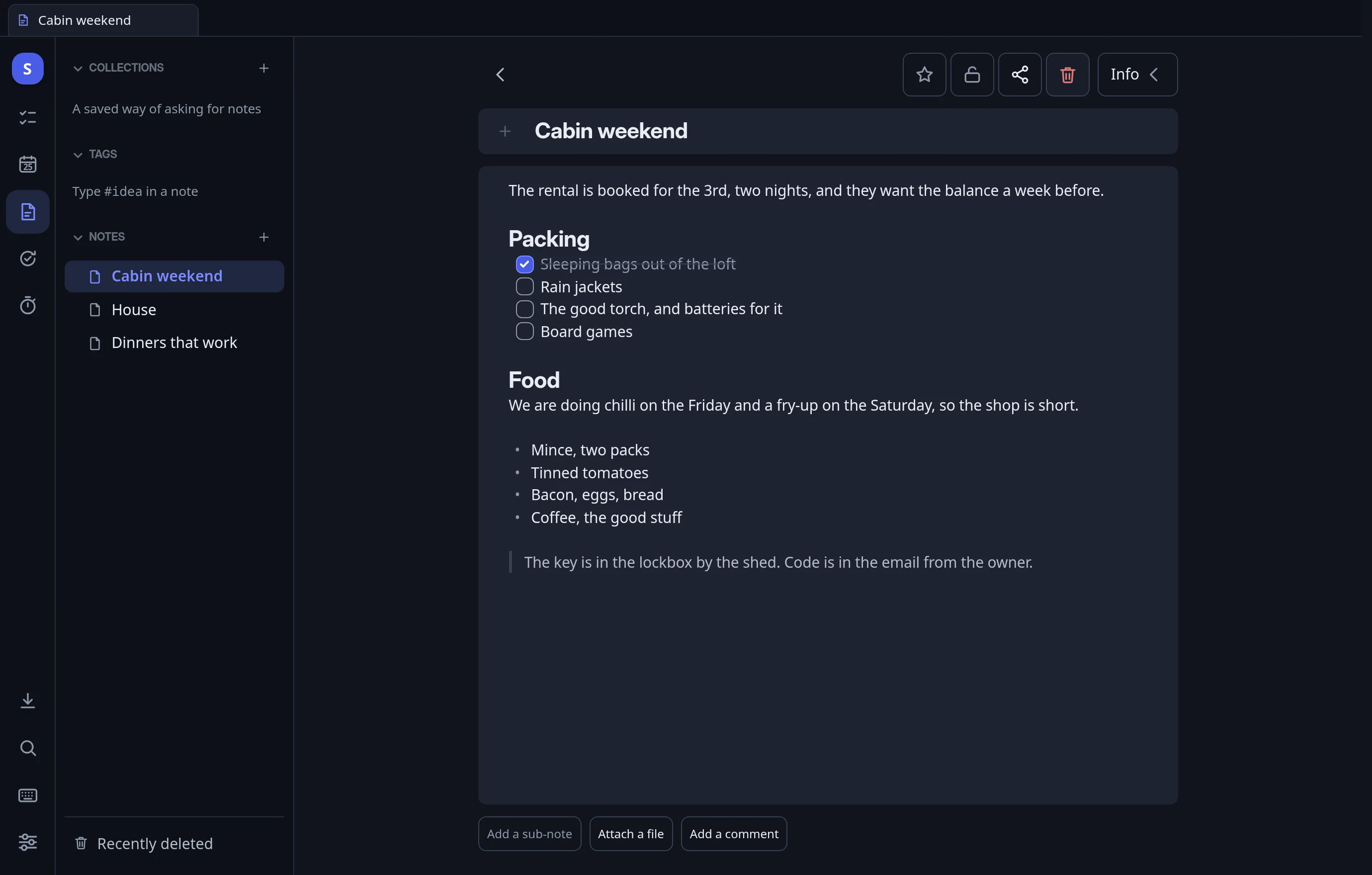
Real pages: headings, checklists, pictures, links between notes, folders and a history you can roll back.
Lists
Groceries, packing, someday. No dates, out of the way until you need them.
Sharing
Share a list or a note, assign a task, and type in the same note at the same time.
Reminders
As many as you like on one task, as real notifications.
Works offline
All of it. Changes sync on their own when you are back online.
Search
One box finds tasks, notes and lists as you type.
Bring your stuff
Import from TickTick or Todoist. Export everything, any time.
Assistants
Tell your AI. It lands on your list.
Add Marbler as a connector in Claude, ChatGPT or Gemini and press Allow once. After that it can add tasks, see what's due and tick things off.
Every app with access is listed in Settings, and one tap removes it.
You  →  "put milk on the groceries list
         and remind me to call the school
         tomorrow at nine"

Marbler  ✓ Milk            · Groceries
         ✓ Call the school · tomorrow 9:00
Pricing
Free to start. Cheap to keep.
The calendar, reminders and sharing are free. Paid plans add more room and a few extras.
Everything you need, with 5 GB for files.
50 GB and every extra. Join now and the price stays for life.
50 GB and every extra. Stop whenever.
Pay once. Only 300 of these.
Marbler AI is an optional $5 a month on top of Plus, monthly only. Teams are $5 a person a month. See the pricing page for the details.
Install
It goes on your home screen, not in a tab.
Install it from the browser. Its own window, no address bar, works with no signal.
iPhone and iPad
In Safari: Share → Add to Home Screen.
Android
In Chrome: ⋮ → Install app.
Mac, Windows, Linux
In Chrome, Edge or Brave: the install icon at the end of the address bar.
On an iPhone, notifications work once it's on the home screen.
Questions
Straight answers
- Does it work offline?
- Yes. All of it.
- Is there an app in the App Store?
- Not yet. Add it to your home screen and it works like one.
- Can I leave?
- Yes. Export everything, any time.
- Is it free?
- Yes, with 5 GB for files. Paid plans start at $3 a month.
- Who's behind it?
- One person in Virginia. The company is Marbler Workshop LLC.